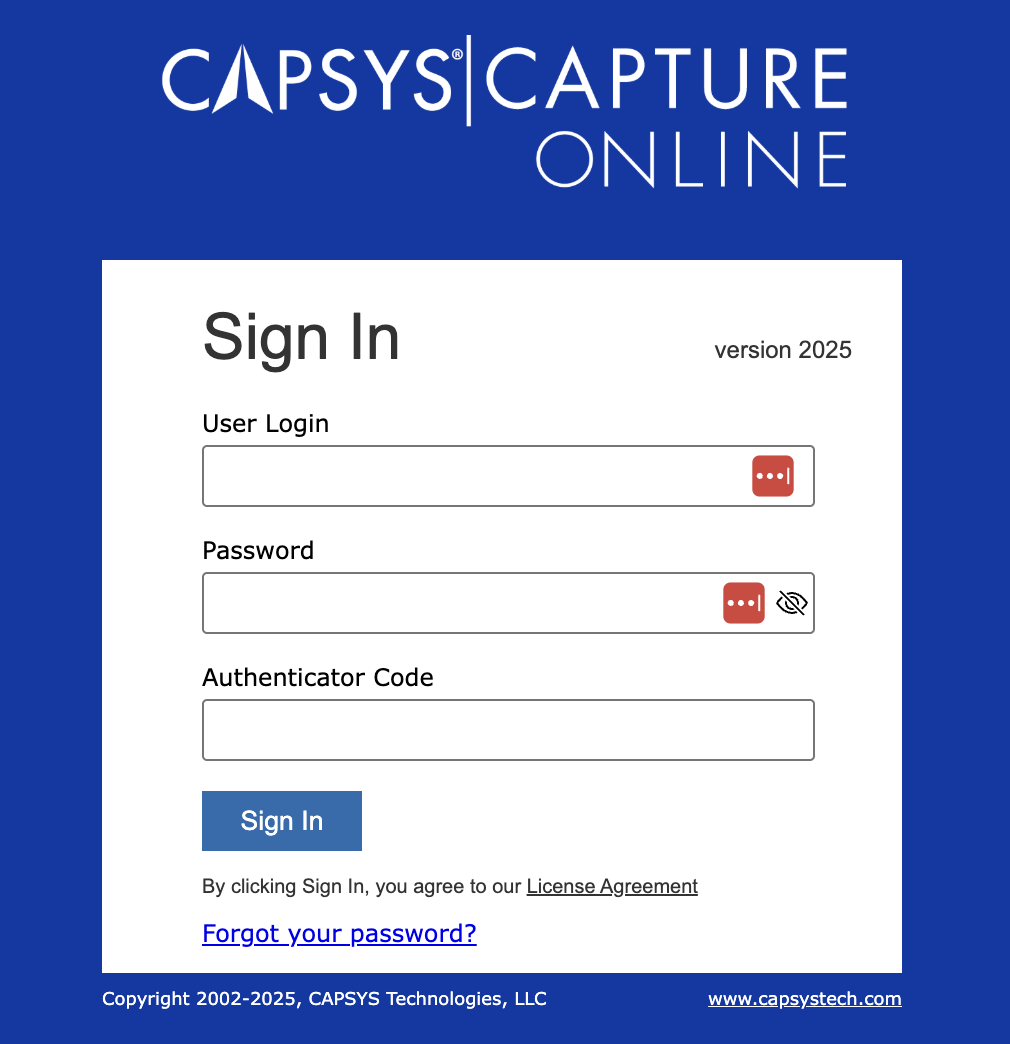
To start using the CAPSYS CAPTURE Web Client application, a valid user Login and Password must be entered into the appropriate fields at the Sign On screen. By entering your Login information and clicking Sign In, you are agreeing to the CAPSYS Technologies, LLC License Agreement. To view the license agreement before signing in, click on the License Agreement link below the Sign In button.
Figure 1 - CAPSYS CAPTURE Sign In Screen
Your CAPSYS CAPTURE Login and Password are unique to you and should be kept safe. Everything that you do in the CAPSYS CAPTURE Web Client application while logged in is recorded in the CAPSYS CAPTURE Audit Log as being done by you. Never give your login and password to another person.
To enhance the security of your account, you may attach an authenticator app to your CAPSYS account. Instructions can be found here.
You will not see the 'Forgot password?' link unless your system administrator has enabled this feature. Use of this feature requires the prior configuration of your email address and security questions. Instructions can be found here.
If you have forgotten your login or password and have not setup your email address or security questions, you must contact your system administrator to have your password reset. There is no way to change your password from CAPSYS CAPTURE Web unless CAPSYS knows your email address or security questions.