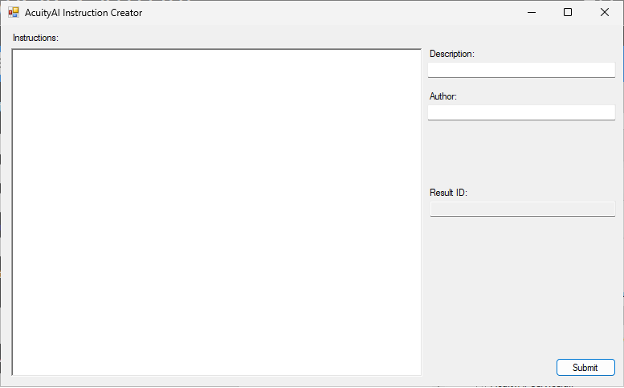
In the AcuityAI Instruction Creator is the tool used to write prompts and store them in the database for later use. Simply enter the prompt for the AI model in the “Instructions” text area and the formatting will be handled for you. Give your instructions a name in the “Description” field. Note that if you are iterating on a previously created prompt, keep the Description the exact same. This will automatically increment the version number in the database. Finally, enter in your name as the Author and click submit to generate the Result ID.
Copy the Result ID into the “AI Task ID” field of the QSX to load the instructions from the database when the QSX runs.